Module function
The whole bridge in a single model
A bridge structure isn't just a girder. It's dozens of components that have to fit together — piers, abutments, beams, bearings, surfaces, railings.
The Structural Object module lets you join all these parts into one coherent model. Not by assembling them by hand, but through intelligent links to the existing Easy Bridge® modules.
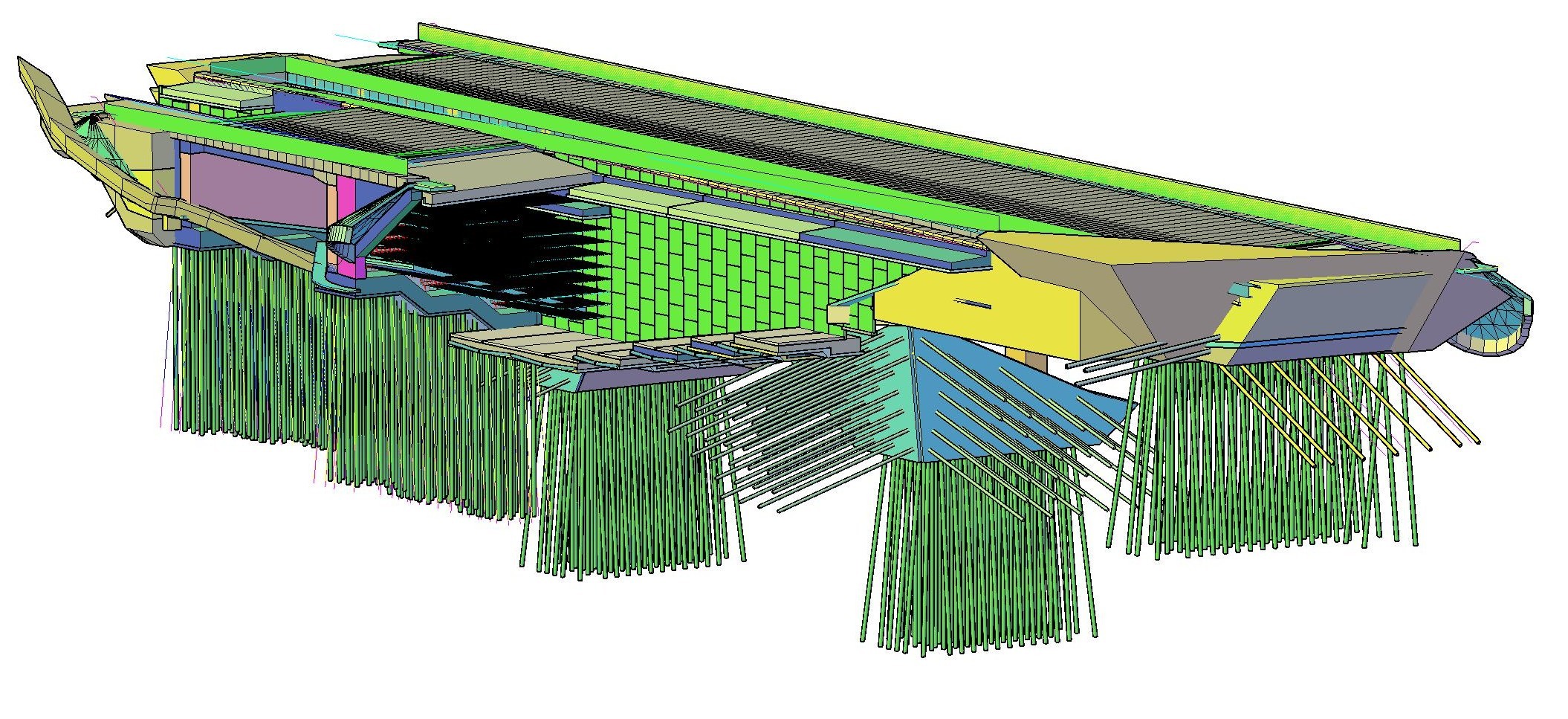
A complex model of the bridge object, from which the quantity take-off is produced
Composition
Build from what you already have
Every part of the bridge object — pier, abutment, superstructure, bearings — already exists in a separate module. The structural object takes them and puts them together.
- Select specific piers and abutments from the substructure
- Assign beams, surfaces and railings (zHrany)
- Switch bearings on or off for each pier individually
- Control the visibility of excavations, foundations and individual parts

Interactive selection of components — piers, abutments, beams, bearings, surfaces
3D Preview
The spatial preview is under your control
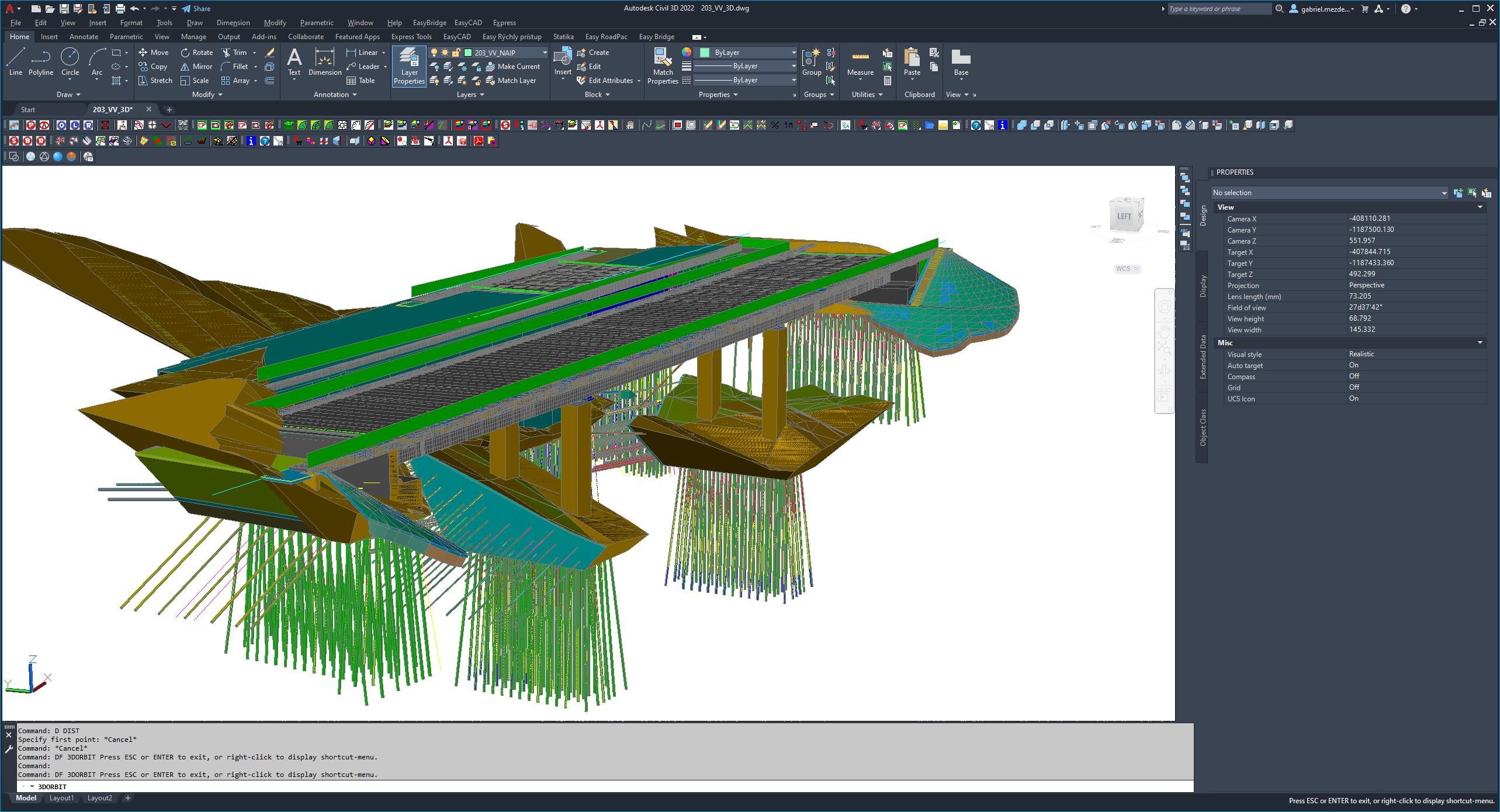
You trigger the redraw of the 3D model — not every change automatically. That means working in the model stays smooth, with no slowdown. When you're ready, a single command gives you an up-to-date spatial preview.
Rotate, zoom, check spatial relationships. No exports, no waiting for rendering.

Interactive 3D preview with piers, beams, bearings and surfaces
Control
Detailed control of every element
Every pier and abutment in the object has its own visibility settings. You decide what gets drawn and what doesn't:
- Switch the drawing of individual piers and abutments on/off
- Control the visibility of excavations and foundations independently
- Show or hide bearings per pier
- Govern which beams and surfaces are included in the model
A complex model. Simple control.
Rendering
From the model straight into AutoCAD
The structural object isn't just a preview. The complete model is drawn straight into the AutoCAD environment — as 3D solids, ready for further use in the project documentation.
One click and you have a complete cross-section, longitudinal section or a 3D model of the whole object.
This is the difference
The old approach
- You draw each part separately
- Manual assembly into a whole
- A change in one part = redoing everything
Easy Bridge®
- The model assembles automatically from the modules
- A change is reflected instantly
- 3D preview + AutoCAD output in one click